
PrimeDigger is reader-supported. When you buy through our links, we may earn a commission.
Quick answer: What can scammers do with your phone number? On its own, not much, but it’s a starting point. They can send you scam texts and calls, fake caller ID, look up more about you on people-search sites, and in the worst case, take over your number with a SIM swap to intercept login codes. A PIN on your phone account, a voicemail password and app-based login codes block the most damaging attacks.
If a scammer just texted or called you, it’s natural to wonder how they got your number and what else they can do with it. We read the FTC’s and FCC’s guidance on November 10, 2026, and sorted the real risks from the scary-sounding ones.
How Do Scammers Get Your Phone Number?
- People-search sites and data brokers. These sites collect names, addresses, phone numbers and relatives, and anyone can look them up. See our guide to removing yourself from data brokers.
- Public posts. The FTC warns that an identity thief could find a phone number you’ve posted on a public site and use it, along with your other details, to answer security questions.
- Data breaches. When a company you use is breached, your contact details can end up in leaked lists.
- You confirmed it. Replying to a text, even to say “wrong number,” or pressing a button to “stop the calls” tells scammers your number is live. The FCC says scammers use that button trick to identify potential targets.
What Can Scammers Do With Your Phone Number?
1. Send scam texts and calls
This is the most common use. The FTC says people reported $470 million in losses to text scams in 2024, from fake package notices to “wrong number” texts that turn into fake crypto investments.
2. Fake caller ID, including your own number
The FCC explains that scammers can falsify caller ID to look like a local number, a company or a government agency. The FCC also warns that some voicemail services let anyone in who calls from your own number, so a hacker could spoof your number and get into your voicemail if you haven’t set a password.
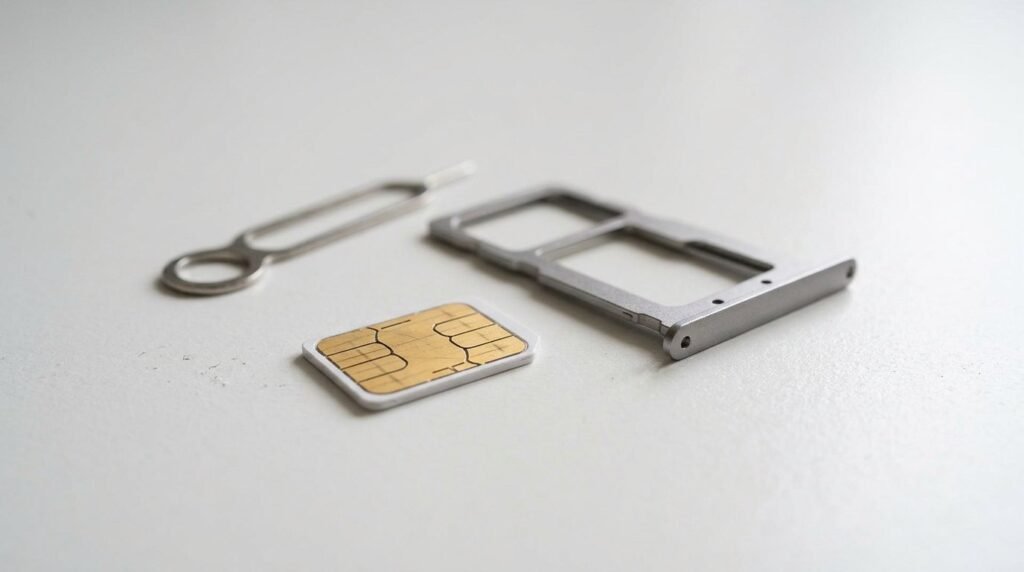
3. Take over your number with a SIM swap
This is the dangerous one. In a SIM swap, the FTC says, a scammer calls your phone company, claims your phone was lost, and gets your number moved to a SIM card in their phone. They then receive your calls and texts, including the login codes banks and email services send by text. With those, the FTC says, they could get into your bank, email or social media accounts, lock you out, or open new phone accounts in your name.
Warning signs, according to the FTC: your phone suddenly has no service for calls, texts or data, or you get a notice that your SIM card was activated on a new device. Contact your phone company right away if that happens.
4. Look up more about you
Typing a phone number into a people-search site can turn up a name, home address and relatives. That makes a scam call sound far more convincing. It’s also why removing your listings is worth the effort.
How to Protect Your Phone Number
- Add a PIN or password to your phone account. The FTC says this helps stop unauthorized changes like a SIM swap. Check your carrier’s website for how.
- Set a voicemail password, as the FCC advises.
- Use stronger logins. For bank and email accounts, the FTC suggests stronger authentication than text codes, such as an authentication app or a security key.
- Don’t engage. Don’t answer unknown numbers, don’t press buttons to “opt out,” and don’t reply to unexpected texts. Forward scam texts to 7726 (SPAM).
- Remove your number from people-search sites. Start with Whitepages and Spokeo, or follow our full data broker removal guide.
- Keep your number off public profiles where you can.
Want help with the last two? Surfshark Alert watches for your email, passwords and personal details in known data breaches and alerts you. Surfshark’s One+ plan adds scam text protection and Incogni, which removes your details from data broker sites (for US, UK, EU, Swiss and Canadian residents). Check the current price before you buy.
Should I Be Worried If a Scammer Has My Number?
Not panicked, but careful. A phone number alone doesn’t let anyone into your bank account. The real risks come when scammers combine it with other details or trick you, or your phone company, into handing over more. If you’ve set an account PIN, use app-based login codes and don’t engage with unknown callers, you’ve closed the biggest gaps. If you already shared a code or sent money, contact your bank and phone company right away and report it at ReportFraud.ftc.gov.
The PrimeDigger Verdict
- Your phone number is a key to more information, not a key to your money.
- The biggest threat is a SIM swap. A carrier PIN and app-based login codes are your best defense.
- Don’t reply to unknown texts or calls, and remove your number from people-search sites.
Frequently Asked Questions
What can scammers do with your phone number?
They can send scam texts and calls, fake caller ID, look you up on people-search sites, and in a SIM swap, move your number to their phone to receive your login codes.
How do scammers get my phone number?
Common sources are people-search sites and data brokers, public posts, data breaches, and replying to scam texts or calls, which confirms your number is active.
Can someone hack my phone with just my number?
A number alone does not give access to your phone. The bigger risk is a SIM swap, where a scammer convinces your phone company to move your number to their SIM card.
How do I stop a SIM swap?
Set a PIN or password on your phone account, as the FTC advises, and use an authentication app or security key instead of text codes for important accounts.
What happens if you reply to a scam text?
Replying tells the scammer your number works, which can bring more scam texts and calls. Do not reply. Forward the text to 7726 (SPAM) and delete it.
Sources
- FTC: SIM Swap Scams: How to Protect Yourself
- FCC: Caller ID Spoofing
- FTC Data Spotlight: Top text scams of 2024
- FTC Consumer Alert: Long lost friend or a scammer trying to get you to respond?