
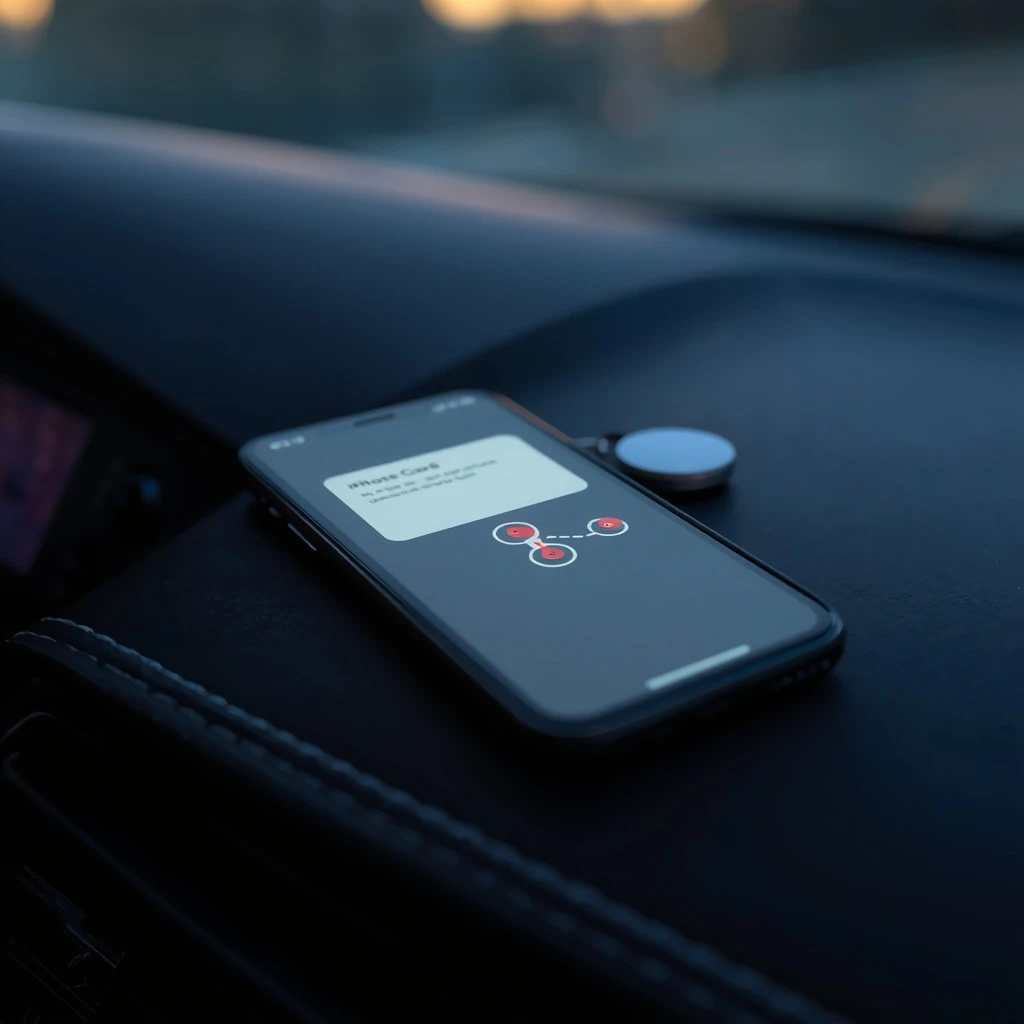
Quick answer: “AirTag Found Moving With You” means an AirTag that’s away from its owner has been traveling with you for a while. It might be on something you borrowed, or someone might be tracking you. Tap the alert, choose Play Sound and follow it, or use Find Nearby if your iPhone supports it. If you find the AirTag, hold the top of your iPhone near its white side to see its serial number and part of the owner’s phone number, take a screenshot, then follow Apple’s steps to disable it. Turning off Bluetooth won’t stop the owner seeing where the AirTag is.
Table of Contents
What “AirTag Found Moving With You” Means
According to Apple’s support page, your iPhone shows this alert when an AirTag that’s separated from its owner “is seen moving with you over time.” You can also get it when your iPhone is awake and a nearby AirTag that’s been away from its owner plays a sound because it moved.
- The map: Find My shows a map of where the AirTag was seen with you. Red dots mark where it was detected near your iPhone, and dashed lines show the order.
- What the map doesn’t show: Apple says the red dots don’t show when the owner looked at the AirTag’s location.
- The owner may see you: the owner might be able to see the AirTag’s location, and so where you’ve been with it.
Other alerts mean almost the same thing:
| Alert | What it means |
|---|---|
| AirTag Found Moving With You | An AirTag away from its owner has been traveling with you |
| AirPods Detected (or AirPods Pro / Max Detected) | Someone else’s AirPods have been moving with you |
| “Product Name” Found Moving With You | A non-Apple tracker that works with Find My, such as a tag from another brand |
| Unknown Accessory Detected | AirPods or another accessory, not an AirTag, that Find My couldn’t fully identify |
Is It a False Alarm?
Often, yes. Apple says the AirTag “might be attached to an item you’re borrowing,” and you can also get an alert if you’re borrowing someone’s AirPods. Common harmless causes:
- You borrowed keys, a bag, a car or a bike that has an AirTag on it.
- You’re traveling with a partner, friend or family member whose AirTag or AirPods are separated from their iPhone.
- Someone left AirPods in your car or bag.
If the item belongs to someone in your Family Sharing group, Apple lets you tap the notification and turn off alerts for that item for one day or indefinitely. If you don’t know whose it is, don’t assume it’s harmless. Find it first.
What to Do Right Now, Step by Step
- 1. Play a sound. Tap the alert, tap Continue, then Play Sound. Listen and play it again if you need more time.
- 2. Use Find Nearby. If it’s an AirTag and your iPhone has Ultra Wideband, tap Find Nearby. Apple’s Precision Finding shows the distance and direction as you move.
- 3. Search your things. Apple suggests places you don’t check often: a jacket pocket, the outer pocket of a bag, or your car.
- 4. Identify it. Hold the top of your iPhone, or any phone with NFC, near the white side of the AirTag. A web page shows its serial number and the last four digits of the owner’s phone number. If the owner marked it lost, you may see their contact details.
- 5. Save evidence. Take screenshots of the alert, the map and the AirTag’s information page before you change anything.
- 6. Disable it. On the information page, tap Instructions to Disable and follow the steps. Apple says that once it’s disabled, the owner stops getting its location and you stop getting alerts for it.
Before step 6, think about safety. If you believe a partner or ex planted it, disabling it may tell them you found it. See the safety section below first.
AirTag Detected Near You but Can’t Find It?
This is one of the most common problems. Apple gives three reasons the Play Sound option may not work:
- It’s not with you anymore. It may have been on a bus, in a friend’s bag or in a car you’ve left.
- It’s back near its owner. AirTags only alert and play sounds when they’re away from the owner’s iPhone.
- Its ID changed. If it was with you overnight, its identifier might have changed. Find My uses that ID to tell it’s the same item moving with you.
To see every alert you’ve had, open Find My, tap Items, scroll down and tap Unknown Items Detected with You. If the alerts keep coming back in the same places, like your car or your gym bag, search there carefully. If you still can’t find it and you feel unsafe, Apple says to go to a safe public place and contact the police.
How to Find an AirTag in Your Car
If the dots on the map follow your drives, the AirTag may be in your car. Check under the seats, in seat pockets, the glove box, the trunk, under floor mats, and outside around the bumpers and wheel wells. An AirTag also makes sounds when it’s been away from its owner and moves, so listen with the engine off.
Our full guide on how to find a tracker on your car covers where trackers are hidden, GPS trackers that don’t show up as AirTag alerts, and detectors that can help.
Unknown Tracker Alerts on Android
- Automatic alerts: Android 6.0 and later can warn you when an AirTag or another tracker is moving with you. Google says you can play a sound to find it, and playing the sound won’t notify the owner.
- Manual scan: go to Settings > Safety & emergency > Unknown tracker alerts > Scan now. Google says it takes about 10 seconds and finds trackers near you that are away from their owner.
- Tracker Detect app: Apple also points Android users to its Tracker Detect app on Google Play, which can play a sound once it has detected an AirTag near you for at least 10 minutes.
Make Sure Your iPhone Can Warn You
Apple lists these settings for tracking alerts to work:
- iOS 17.5 or later (iOS 14.5 or later for AirTag-only alerts).
- Settings > Privacy & Security > Location Services on, and under System Services, Significant Locations on.
- Bluetooth on.
- Settings > Notifications > Tracking Notifications > Allow Notifications on.
- Airplane Mode off. Apple says you won’t get tracking alerts in Airplane Mode.
If You Feel Unsafe
- Turning things off doesn’t help. Apple says turning off Bluetooth, Location Services or the Find My network on your iPhone does not stop the owner seeing the AirTag’s location. Only disabling the AirTag does.
- Go to the police. Apple says police can request information about the AirTag from Apple, and you might need to give them the AirTag and its serial number. That’s why you should save it and screenshot its details.
- Get support. In the US, the National Domestic Violence Hotline is at 800-799-SAFE (7233), or text START to 88788. Apple also lists the Safety Net Project at the National Network to End Domestic Violence.
- Check your phone too. Someone who plants an AirTag may also use location sharing or a monitoring app. Our guide on how to tell if someone is tracking your phone walks you through the checks.
- Block every signal when you need to. A Faraday bag stops your own phone from sharing its location while it’s inside. See whether Faraday bags work.
For a fuller guide to cameras, trackers and bugs, see our Hidden Surveillance Bible.
How We Researched This Guide
We didn’t plant or test AirTags ourselves. This guide is based on Apple’s support page on unwanted tracking alerts (published September 24, 2026) and Google’s Android help page on unknown trackers, both checked on October 14, 2026. Menu names can change with updates, so if something looks different on your phone, tell us and we’ll update this page.
Frequently Asked Questions
Does “AirTag Found Moving With You” mean someone is tracking me?
Not always. Apple says the alert means an AirTag separated from its owner has been seen moving with you over time, and that it may be attached to something you borrowed. It can also mean someone is tracking you, so play a sound and search your things before you rule it out.
Why can’t I find the AirTag after the alert?
According to Apple, if you can’t play a sound, the AirTag may no longer be with you, it may be near its owner, or its identifier may have changed if it was with you overnight. If you still think it’s with you, search your bags, coat pockets and car.
Can the owner see where the AirTag is?
Yes, the owner might be able to see its location. Apple says turning off Bluetooth, Location Services or the Find My network on your iPhone doesn’t stop that. Only disabling the AirTag does.
Can Android phones detect AirTags?
Yes. Android 6.0 and later can alert you when an unknown AirTag or other tracker is moving with you, and you can run a manual scan under Settings, Safety & emergency, Unknown tracker alerts, Scan now.
What do the red dots on the AirTag map mean?
Apple says the red dots show where the unknown item was detected near your iPhone, and the dashed lines show the order. They don’t show when the owner looked at the item’s location.
Is it illegal to track someone with an AirTag?
Apple says using its tracking products to track people without their consent is a crime in many countries and regions, and that police can request information from Apple to help an investigation.
Sources
- Apple Support: What to do if you get an alert that an AirTag, AirPods or Find My accessory is with you (published September 24, 2026)
- Android Help: Find unknown trackers
- National Domestic Violence Hotline and NNEDV Safety Net Project, checked October 14, 2026


